IPTV Service Toronto | Live TV & Sports | VibeViso
STREAM WITH CONFIDENCE.

Affordable IPTV Service Toronto | Live TV & Sports

Tired of paying for cable bundles packed with channels Toronto viewers never watch? Homes across Brampton, and Montreal are switching to IPTV streaming for live TV, sports, and international channels, without the extra cost of traditional cable.

VibeViso makes that switch simple. You can watch on almost any device you already own, including Firestick, Android TV, Samsung and LG Smart TVs, and your phone or laptop. Every subscription starts with a 24-hour trial, so you can test the picture quality and channel lineup before committing. With flexible monthly plans and no long-term contracts, VibeViso fits how modern households actually watch television, on demand, on their own schedule, and on any screen.

Trial 4K Available Multi-Device Fast Activation
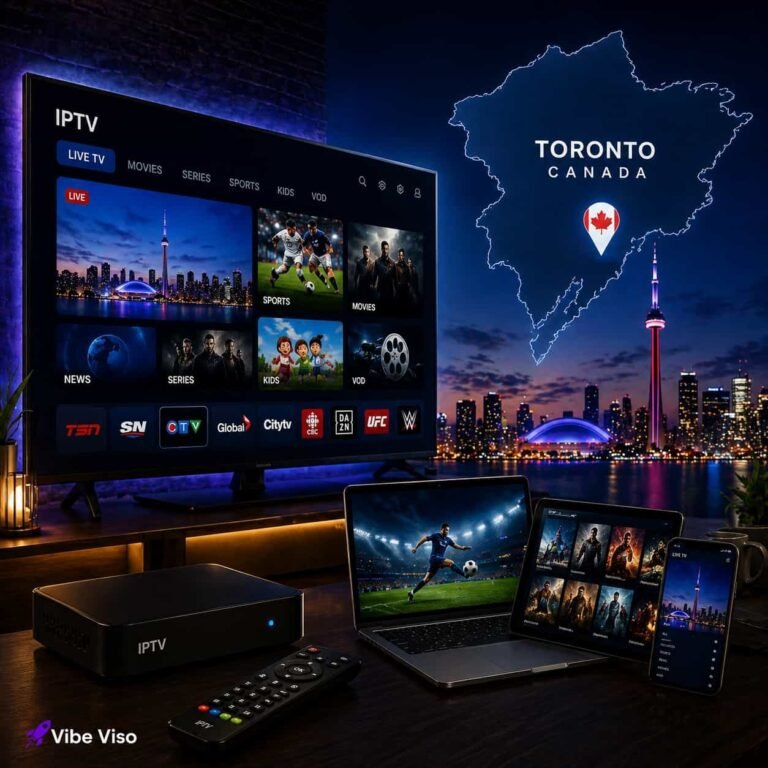
LIVE TORONTO TVSPORTSNET • TSN • 4K VOD
Your entertainment, on your screens. Toronto Maple Leafs hockey, local news, and on-demand movies in one setup.
VibeViso

LIVE
Leafs
Movies
4K VOD
YOUR IPTV EXPERIENCE

What Do You Get With VibeViso IPTV in Toronto?

VibeViso brings live television, sports, movies, series, VOD, and international programming together in one streaming service. Instead of relying on a traditional cable box, you can watch through compatible internet-connected devices you already use.

That flexibility works especially well for households where everyone does not watch the same thing. One person can be interested in sports while others prefer movies, international television, news, or on-demand entertainment.

TV

Live TV & Entertainment

Explore available live television, news, entertainment, and general programming in one place.

Sports & Live Events

Follow available sports channels, major events, and PPV programming.

Movies & Series

Watch available on-demand movies and series when they fit your schedule.

Flexible Viewing

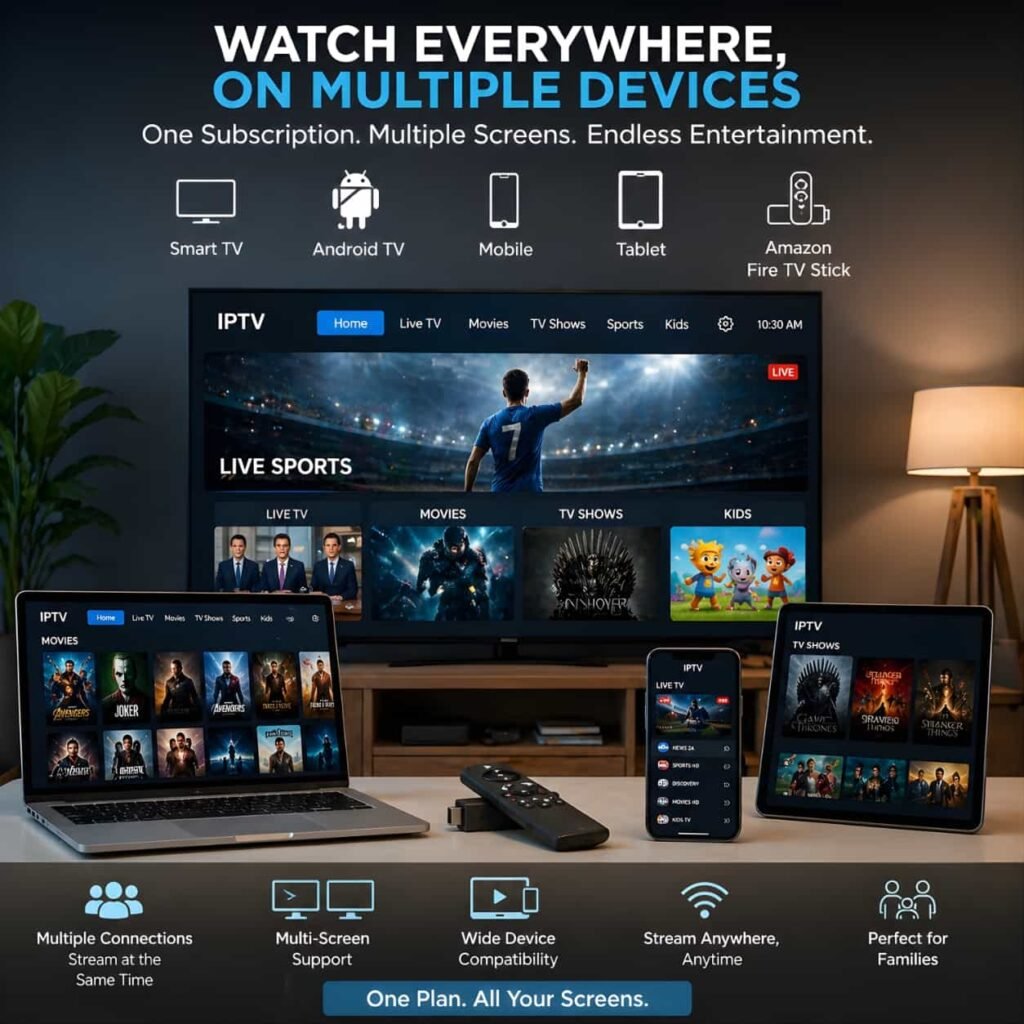
Use compatible Smart TVs, streaming devices, phones, tablets, and computers.

WHY VIBEVISO

Why Choose VibeViso for IPTV in Toronto?

Choosing an IPTV provider is about more than channel quantity. Toronto viewers also need to know whether the service works reliably on their devices, how easy the setup will be, what support is available, and whether they can test the experience before committing.

VibeViso has been serving Canadian IPTV customers since 2021, with experience supporting popular devices such as Firestick, Android TV, Samsung and LG Smart TVs, mobile devices, and computers. The team also provides assistance with account activation, setup, and common streaming issues, helping customers get started with fewer complications.

A 24-hour trial gives you the opportunity to test VibeViso on your own internet connection and preferred device before choosing a longer subscription. Paid accounts are generally activated within 15 to 30 minutes, and 24/7 support is available if you need help during setup or use.

24

24-Hour Trial

Test VibeViso using your own internet connection and preferred device before choosing a paid plan.

Fast Activation

Paid subscriptions are generally activated within 15 to 30 minutes after payment.

24/7

24/7 Support

Get assistance with activation, device setup, and common streaming questions.

Broad Device Compatibility

Use popular Smart TVs, streaming devices, smartphones, tablets, and computers.

4K

Multiple Quality Options

Available streams may include HD, FHD, UHD, and 4K depending on the source, device, and connection.

2021

Serving Canadian Viewers Since 2021

VibeViso has been providing IPTV streaming services to customers across Canada since 2021.

MORE TO WATCH

What Can You Watch With IPTV in Toronto?

Different Toronto households have different viewing priorities. Some want Canadian programming and live sports. Others want movies, children's entertainment, international news, or television in a language spoken at home.

VibeViso makes it easier to explore different content categories through one streaming service.

CA

Canadian TV

Browse available Canadian news and entertainment programming.

Live Sports

Access available hockey, basketball, baseball, soccer, football, combat sports, and other sporting events.

Movies & Series

Explore available movies, series, and on-demand entertainment.

N

News

Follow available Canadian and international news programming.

Kids & Family

Find entertainment options for different members of the household.

International TV

Explore available television programming from different countries and regions.

Channel, sports, and event availability can change. Use the trial to confirm any must-have programming before selecting a subscription.

FLEXIBLE OPTIONS

IPTV Toronto Plans & Pricing

Choose a subscription period based on how long you want access. If you are unsure about committing, test the service first and check the viewing experience on your own setup.

3 Months

$31

A shorter subscription option for viewers who want flexibility.

Choose 3 Months

6 Months

$62

A mid-length option for regular viewing without choosing a full-year subscription.

Choose 6 Months
Not Ready to Subscribe?

Use the 24-hour trial to test picture quality, device compatibility, navigation, and the programming that matters most to you.

Start 24-Hour Trial
MADE FOR TORONTO VIEWERS

Streaming for Toronto Sports Fans & Multicultural Households

Toronto viewing habits are not one-size-fits-all. A household may include sports fans, children, movie watchers, and family members who prefer television in different languages. Multiple screens and different viewing schedules can make a fixed television package feel restrictive.

VibeViso gives viewers more flexibility to explore available programming across compatible devices.

For Toronto Sports Fans

Toronto follows sports throughout the year, from hockey and basketball to baseball, soccer, football, combat sports, and international competitions.

VibeViso provides access to available sports programming and live events through supported channels. Viewers looking for a particular event or channel should confirm availability during the 24-hour trial before choosing a longer subscription.

Hockey Basketball Baseball Soccer Football Combat Sports Motorsports Tennis

Entertainment in the Languages Toronto Speaks

For multicultural households, television can also be a connection to language, culture, news, and entertainment from home.

Depending on current availability, viewers may find programming in languages such as:

Punjabi Hindi Urdu Tamil Mandarin Cantonese Tagalog Arabic Portuguese Italian Spanish French
CUSTOMER EXPERIENCES

What Toronto Viewers Say About VibeViso

Choosing a streaming service can be easier when you can see how real customers experience setup, device compatibility, support, and everyday viewing.

"Setup was simple on my Firestick. Channel switching is smooth, and testing with the 24-hour trial gave me confidence before subscribing."

David L.
Toronto, ON (Downtown)

"Great picture quality for Leafs and Raptors games. The international channel lineup also has great options for the whole family."

Harpreet K.
North York, ON

"Customer support helped me set up my Smart TV within 15 minutes. It has been a reliable replacement for expensive cable."

Michael T.
Scarborough, ON

Only verified customer feedback is displayed. Testimonials reflect individual viewing experiences on compatible hardware and broadband connections.

WATCH YOUR WAY

Will VibeViso Work With Your Devices and Internet?

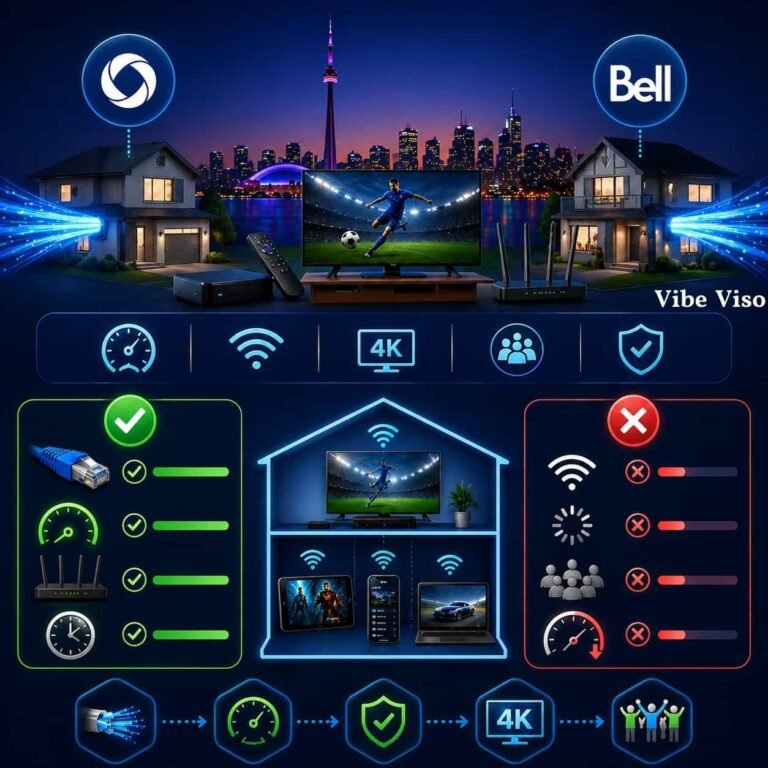
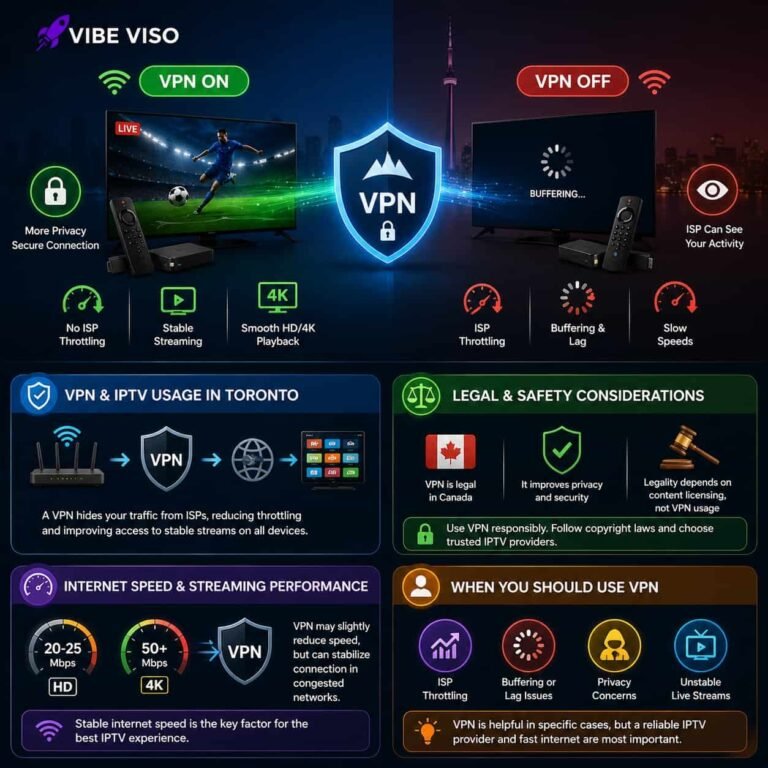
You do not need a traditional cable television box to use VibeViso. You need a compatible device, an appropriate IPTV application, your account details, and a stable internet connection.

Streaming quality depends on more than the speed advertised by your internet provider. Wi-Fi strength, the number of connected devices, stream quality, and other household activity can all affect playback.

Compatible Devices

Amazon Firestick
Android TV
Samsung Smart TV
LG Smart TV
Apple TV
Android Phones
iPhone & iPad
Windows & Mac

What About Your Internet Connection?

This can matter in Toronto condos and multi-device households where several phones, televisions, laptops, and gaming devices may share the same Wi-Fi network during busy evening hours.

If you plan to watch 4K content or stream on multiple screens, test the service under your normal viewing conditions during the 24-hour trial.

QUICK SETUP

Get Started in 3 Simple Steps

Setting up VibeViso takes only a few minutes from start to streaming.

01

Choose Your Trial or Plan

Start with the 24-hour trial or select the subscription period that fits your viewing needs.

02

Receive Your Account Details

Once your order is processed, VibeViso sends the information needed to activate your account. Paid activation generally takes approximately 15 to 30 minutes.

03

Set Up and Start Watching

Install a compatible IPTV application (like TiviMate IPTV), enter your account information, and start exploring available live TV and on-demand content.

Need help? VibeViso offers 24/7 support for setup and common streaming questions.

LOCAL COVERAGE

IPTV Service Across Toronto and the GTA

VibeViso provides internet-based IPTV streaming for viewers across Toronto and surrounding GTA communities. Because the service works through a compatible device and internet connection, customers do not need a traditional cable installation to get started.

Toronto Explore IPTV service options for Toronto viewers.
North York View service information for North York households.
Scarborough Explore streaming options available for Scarborough viewers.
Mississauga View IPTV service information for Mississauga.
Brampton Explore IPTV service options for Brampton households.
Other GTA Areas Contact VibeViso to confirm service availability in your community. Explore all IPTV services across Canada.
COMMON QUESTIONS

Frequently Asked Questions About VibeViso in Toronto

1. What should I test during the VibeViso 24-hour trial?

Use the 24-hour trial to test the things that matter in your home: your main device, your most-watched channels, live sports, evening Wi-Fi performance, picture quality, channel loading, and navigation. Testing during your normal viewing hours gives you a more realistic idea of how the service will perform before you choose a longer plan.

2. Will VibeViso work well in a Toronto condo or apartment?

Yes, VibeViso can be used in a Toronto condo or apartment as long as you have a compatible device and a stable internet connection. In high-density buildings, Wi-Fi interference, network congestion, and distance from the router can affect streaming performance. Rogers provides a useful guide to understanding home Wi-Fi and improving connection performance if you want to troubleshoot signal quality. It is also worth testing VibeViso during busy evening hours and comparing Wi-Fi with Ethernet where possible.

3. Does VibeViso work with Bell, Rogers, or other Toronto internet providers?

Yes. IPTV uses your existing internet connection rather than requiring a specific television provider, so VibeViso can work over Bell, Rogers, or another suitable broadband connection. What matters most is connection stability, available bandwidth, Wi-Fi quality, and how many devices are using the network at the same time. Bell customers can use the official Internet Speed Test to check connection performance before or during the VibeViso trial. Test the service on your normal home network before choosing a longer subscription.

4. Which device should I use for VibeViso IPTV?

The best device is the one you already use comfortably and that supports a compatible IPTV app. VibeViso supports Firestick, Android TV, Samsung and LG Smart TVs, mobile devices, and computers. If you are unsure, tell support your device first so they can point you to the appropriate setup method.

5. How can I confirm a specific Toronto sports channel or event is available?

Check before you pay for a longer plan. Use the 24-hour trial to search for the exact sports channels, regional feeds, leagues, or events you care about, and ask VibeViso support about anything you cannot find. Channel and event availability can change, so verification is more reliable than relying on a static marketing list.

6. How can I check whether VibeViso has the international channels my family watches?

Use the trial to check the exact languages and channels your household watches most. VibeViso promotes international programming, but availability can vary, so confirm specific Punjabi, Hindi, Urdu, Tamil, Chinese, Arabic, French, Italian, Portuguese, Spanish, or other content before committing. This is especially important for multilingual households with different viewing preferences.

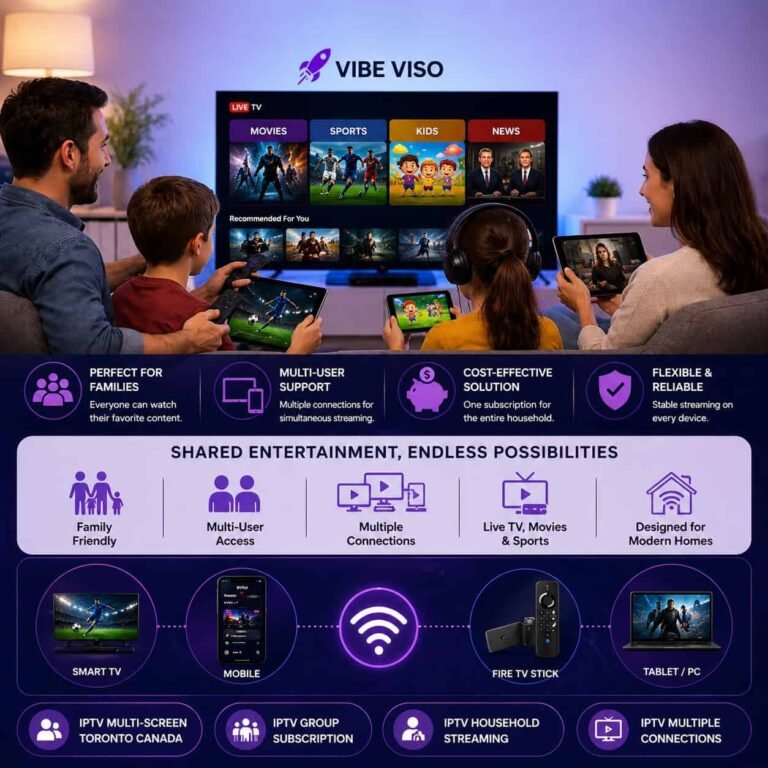
7. Can different people in my household watch VibeViso at the same time?

VibeViso supports multi-device use, but simultaneous streaming depends on the subscription or connection option you purchase. Do not assume that installing the app on several devices means all of them can stream at the same time. Confirm the allowed number of concurrent connections before ordering if multiple household members watch separately.

8. What should I do if live sports buffer during Toronto evening hours?

First check whether the problem is your home connection or the stream itself. Restart the app and router, close heavy downloads, test another channel, and compare Wi-Fi with Ethernet or a stronger 5 GHz connection. If buffering continues across several channels, read our guide on why IPTV freezes and how to fix it, or contact VibeViso's 24/7 support.

9. How quickly can I start watching after I pay?

VibeViso states that paid accounts are generally activated within about 15 to 30 minutes after payment. After you receive your account details, total setup time depends on your device and IPTV application. Having your Firestick, Smart TV, Android TV, or other device ready before ordering can make the process quicker.

10. Do I need a technician or cable box to set up VibeViso?

No traditional cable installation or technician visit is normally required for VibeViso's internet-based service. You need a compatible device, an IPTV application, an internet connection, and the account details provided after activation. That makes setup practical for condos, apartments, rentals, and homes where adding another cable box is inconvenient.

11. What support is available if I cannot get VibeViso working?

VibeViso advertises 24/7 support for activation, setup, and troubleshooting. The website lists WhatsApp, phone, email, and live-chat support options, so you are not limited to a single contact method. If setup fails, provide your device model, IPTV app, error message, and what you have already tried to speed up troubleshooting.

12. Is IPTV legal in Toronto, and what should I verify before subscribing?

IPTV itself is simply a technology for delivering television and video over an internet connection. The legal considerations depend on how particular content is licensed and distributed, not on the IPTV technology alone. The CRTC explains options for watching television and online video services in Canada, including internet-delivered programming. Before subscribing, review the provider's terms and Competition Bureau Canada guidance.

READY TO START?

Try VibeViso IPTV in Toronto

The easiest way to decide whether a streaming service fits your household is to test it where you will actually use it. Try VibeViso on your preferred device, check the programming that matters to you, and see how it performs on your normal internet connection before choosing a longer subscription.

Flexible Plans Fast Activation Compatible Devices 24/7 Support
VibeViso — Affordable IPTV streaming services across Toronto and Canada.