For Toronto users exploring IPTV solutions, understanding their own setup is the first step toward a better streaming experience. Not sure if your current setup is the issue? Test your streaming quality with Vibe Viso before committing.

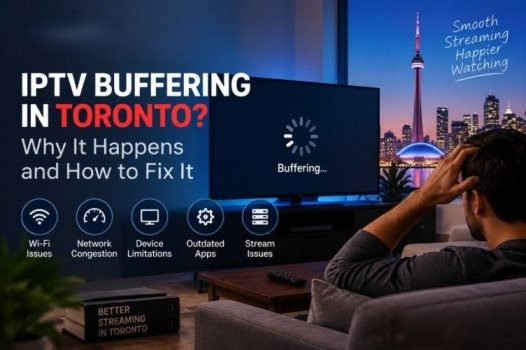
You are watching a live sports match, a movie, or your favourite channel, and suddenly the screen freezes. After a few seconds, the loading circle appears again. If this keeps happening, you may start wondering whether the problem is your IPTV service, your internet connection, or your streaming device.
For many IPTV users in Toronto, buffering is not caused by one single issue. It usually happens because the connection between your internet, home network, streaming device, IPTV player, and the stream itself is not working smoothly together.
IPTV buffering in Toronto is commonly caused by unstable Wi-Fi, network congestion, device limitations, outdated apps, router problems, or temporary stream-related issues. The key is finding the actual cause before changing your entire setup.
This guide explains why IPTV buffering happens, how to troubleshoot it properly, and what Toronto users can do to get a smoother streaming experience.
IPTV keeps buffering in Toronto mainly because your device is not receiving video data consistently enough to continue playback. The most common causes are weak Wi-Fi signals, unstable internet connections, network congestion, outdated streaming devices, IPTV app issues, or problems with the stream source.
Unlike traditional cable TV, IPTV depends completely on your internet connection. Your device receives video data continuously while you watch. If that data flow becomes interrupted or inconsistent, your player runs out of stored data and starts buffering.
The important thing to understand is that buffering does not automatically mean your Affordable IPTV Service Toronto is the problem. The issue can come from different parts of your setup.
For example:
Finding the pattern helps identify the real cause.
Yes, slow or unstable internet can cause IPTV buffering because IPTV requires a continuous connection to deliver video data. However, internet speed alone is not the only factor. Connection stability, latency, and available bandwidth also affect streaming performance.
Many users assume that upgrading to a faster internet package will automatically solve buffering. Sometimes it helps, but it does not fix every situation.
For example, you may have a high-speed internet plan, but your IPTV can still buffer because:
A household in Toronto may have several connected devices at the same time:
When multiple devices compete for bandwidth, IPTV may not receive enough consistent data.
A better approach is to check the complete connection quality instead of focusing only on internet speed.
IPTV often buffers more at night in Toronto because internet usage increases during peak hours. When many people in a household or neighbourhood are streaming, gaming, downloading, or using online services, network performance can become less consistent.
Many IPTV users notice a common pattern:
This usually points toward network congestion.
Toronto has many high-density residential areas, including apartments and condos where many households use internet services at the same time. Evening hours are especially busy because people are:
Try:
If the issue disappears during lower-usage periods, your network environment may be contributing to the problem.
Your Wi-Fi may be causing IPTV freezing if the connection between your router and streaming device is weak or unstable. Distance, walls, interference, and too many connected devices can reduce Wi-Fi performance and affect IPTV playback.
This is one of the most common issues for IPTV users.
Your internet connection may be working perfectly near the router, but your TV or streaming device may receive a weaker signal in another room.
Common Wi-Fi problems include:
For stationary devices like Smart TVs and streaming boxes, an Ethernet connection is usually more reliable because it avoids wireless interference.
Yes, Firestick, Smart TV, and Android TV Box devices can cause IPTV buffering when they have limited processing power, low storage, outdated software, or too many background applications running.
Your streaming device does more than simply display video. It needs to:
Older devices may struggle, especially with higher-quality streams.
Signs your device may be the problem:
Sometimes improving device performance can solve buffering without changing your internet plan.
Yes, IPTV applications can cause buffering when they are outdated, incorrectly configured, overloaded with cache files, or not optimized for your device.
The IPTV player you use controls how channels load and play. Different players may perform differently depending on your device and settings.
Common app-related issues include:
If your internet connection is stable but the app continues freezing, the application may be part of the problem.
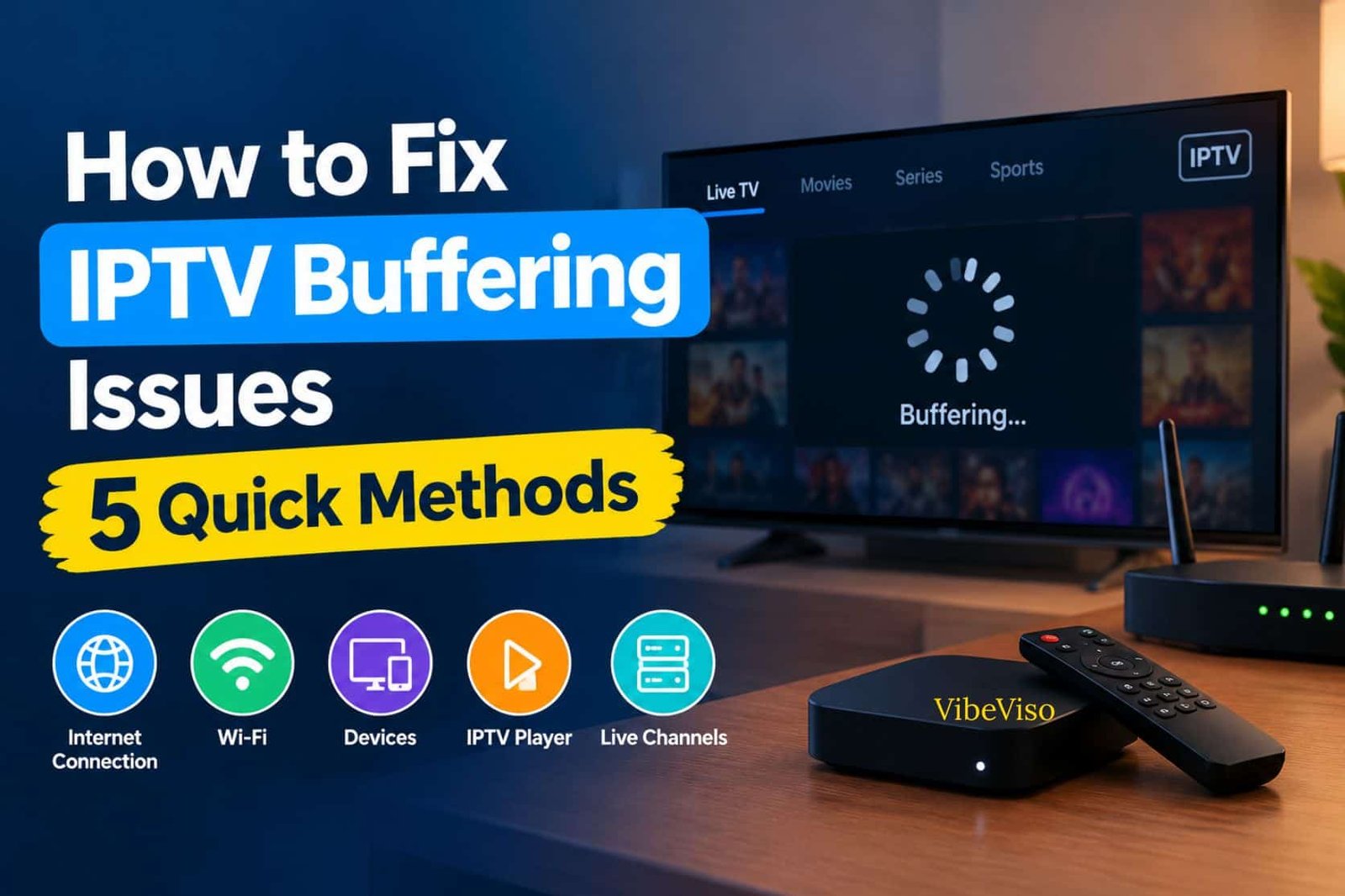
You can reduce IPTV buffering by improving your network connection, using a stable streaming device, updating your IPTV application, reducing network traffic, and checking whether the issue comes from your internet, device, or the stream itself.
Follow this troubleshooting process:
Start with the simplest solution.
Restart:
Temporary software or network issues are often solved after restarting.
Testing internet speed beside your router is not enough.
The important location is where you actually watch IPTV.
Your TV may receive a much weaker connection than your phone near the router.
For devices that stay in one place, such as:
Ethernet can provide:
Before streaming IPTV, pause:
This gives more available bandwidth to your IPTV connection.
Check:
Keeping your setup updated improves compatibility and performance.
IPTV buffering may be related to your provider when the problem happens across multiple devices, multiple channels, and your internet connection works normally with other streaming services. If only one device or one location has problems, the cause is usually your local setup.
A simple way to test:
Proper testing helps avoid blaming the wrong part of the setup.
The best IPTV setup for Toronto users includes a reliable internet connection, a properly placed router, a capable streaming device, updated applications, and a stable connection method such as Ethernet whenever possible. — all of which help you get the most out of services like Vibe Viso.
A good setup usually includes:
Your connection should handle your household’s total usage, not only IPTV.
Modern streaming devices generally provide better performance than older hardware.
A good router location and stable connection improve streaming reliability.
Keeping your device and IPTV applications updated reduces compatibility problems.
A smooth IPTV experience depends on more than just the IPTV service. Your internet connection, streaming device, home network, and application settings all work together to determine playback quality.
Many buffering issues happen because one part of the setup does not match another.
For example:
For Toronto users exploring IPTV solutions, understanding their own setup is the first step toward a better streaming experience. Not sure if your current setup is the issue? Test your streaming quality with Vibe Viso before committing.
IPTV buffering in Toronto is usually not caused by one single thing. The problem can come from your Wi-Fi, internet connection, router, device, IPTV app, or the stream itself.
Instead of immediately changing your service or upgrading your internet plan, start by finding the actual cause:
Once you understand where the problem starts, improving your IPTV experience becomes much easier.
A reliable IPTV setup is about creating the right balance between your service, internet connection, and streaming environment.
IPTV buffering in Toronto can happen because of several reasons, including unstable Wi-Fi, network congestion, outdated streaming devices, IPTV app issues, or temporary stream problems. The best solution is to identify whether the issue is coming from your internet connection, device, home network, or IPTV setup.
For VibeViso users in Toronto, checking your complete streaming environment first can help determine the real cause of buffering before making any changes.
Faster internet can improve IPTV performance, but it does not always remove buffering completely. A strong internet package can still experience problems if your Wi-Fi signal is weak, your router is overloaded, your device has performance limitations, or multiple devices are using the same network.
A stable connection, proper device setup, and reliable IPTV configuration are equally important for a smoother VibeViso streaming experience.
Live sports and popular channels can sometimes experience more buffering because many viewers access high-demand content at the same time. However, freezing can also happen because of your internet stability, streaming device, or network conditions.
Before assuming there is a service issue, VibeViso recommends checking your local connection, device performance, and playback setup.
Yes, Ethernet is usually more stable than Wi-Fi because it creates a direct connection between your router and streaming device. It reduces wireless interference and can provide a more consistent connection for Smart TVs, Android boxes, and streaming devices.
For the best IPTV performance with VibeViso, using Ethernet whenever possible can help reduce connection-related buffering.
Clearing IPTV app cache can sometimes improve performance, especially when temporary files affect playback. However, cache issues are only one possible cause of buffering.
If buffering continues after clearing the cache, check your internet connection, device performance, and IPTV setup to find the actual problem.
You can test this by checking your IPTV performance on the same device where you normally watch. If buffering improves when you use Ethernet, reduce other internet activities, or move closer to your router, your home network may be the main cause.
VibeViso recommends testing your complete setup before changing your IPTV service.
Yes, VibeViso provides IPTV solutions for users in Toronto and across Canada. Users can explore IPTV options based on their location, streaming requirements, and device compatibility.
You can learn more about VibeViso IPTV services in Toronto through the dedicated Toronto IPTV page.
VibeViso IPTV is designed to work with popular streaming devices, including Firestick, Smart TVs, and Android-based devices. However, streaming quality also depends on your internet stability, device performance, and proper application setup.
Using a reliable device and stable internet connection can help create a smoother viewing experience.
Not immediately. Buffering does not always mean your IPTV provider is the problem. First check your internet connection, Wi-Fi strength, router performance, streaming device, and IPTV application settings.
If the problem continues across multiple devices and channels, exploring a reliable IPTV option such as VibeViso may be worth considering.
The required internet speed depends on your video quality, device, and household usage. HD and 4K streaming require a stable connection with enough bandwidth to deliver consistent video data.
For a better VibeViso streaming experience, users should focus not only on speed but also on connection stability and proper network setup.

Hi, this is dummy biographical info for the design template kit moxcreative. If you have any questions, don't hesitate to send us a message on the ThemeForest profile page.
+1 (902) 705-9412
Added to cart
Check out our shop to see what's available