
IPTV for Beginners: Start Streaming Today
If you have never used IPTV before, the setup can seem confusing. Unlike Netflix or traditional cable, IPTV requires three things: an internet connection, a streaming device, and a compatible player app. For many cord-cutters looking to transition from traditional cable, learning iptv for beginners streaming concepts is the best way to save money and access a global selection of live channels. When studying iptv for beginners setups, prioritizing performance over marketing claims is key. In this iptv starter guide, we will break down everything you need to start streaming today. To check if your broadband meets the demands, read our guide on what internet speed you need for IPTV. IPTV for Beginners: Start Streaming Today Transitioning from traditional cable television or satellite dishes to digital streaming is the most popular way to watch live programming, movies, and sports broadcasts in 2026. However, if you are new to the ecosystem, the world of Internet Protocol Television (IPTV) can be intimidating. The landscape is filled with technical terms, alongside a wide variety of hardware choices and software players. To establish a stable, buffer-free, and secure setup, you need to understand the fundamental concepts first. In this guide, we will translate the technical details into plain English, walk you through the basic setup, compare the best hardware, and show you how to protect your network. What is IPTV? (Simple Explanation) IPTV (Internet Protocol Television) is a method of delivering live TV channels and video content through an internet connection instead of traditional cable or satellite signals. Instead of receiving channels through a cable line or satellite dish, IPTV sends video data directly to your streaming device. When you use IPTV, you are viewing video content transmitted using the same network protocols that deliver email, websites, and social media. How IPTV Works (Simple Explanation) With traditional cable or satellite TV, the provider broadcasts every channel at the same time. Your TV tuner simply filters the incoming signal to show the channel you selected. With IPTV, the system does not send all channels to your house. Instead, when you click on a channel, your device sends a request to the provider’s server. The server then sends a direct stream of that specific channel over the internet to your screen. This on-demand delivery model is why IPTV can offer thousands of channels without overloading your connection. An essential lesson in iptv for beginners playlists is prioritizing content quality over raw numbers. A massive channel count is useless if the specific channels you want are offline. IPTV Beginner Checklist: What Do You Need to Start? Before configuring your setup, run through this simple checklist to ensure you have the required components: Stable Internet Connection: A minimum of 15 Mbps is recommended for HD streaming, and 25 Mbps is recommended for 4K streams. Streaming Device or Smart TV: A dedicated streaming box or stick connected to your TV. IPTV Player App: The software interface you use to watch the channels. Subscription Service: The playlist subscription from a service provider. TV or Monitor: Any screen with an HDMI port. What Do You Need to Start IPTV? (Detailed Breakdown) Let us examine the core components in detail to help you understand how they work together: 1. Stable Internet Connection Your internet speed is the foundation of a good streaming experience. Unlike Netflix, which can pre-download minutes of a show while you watch, live TV requires a continuous, real-time stream of data packets. If your connection drops for even a second, the stream will buffer or freeze. 2. Streaming Device or Smart TV You need a physical device to decode the video signal and run the player software. You can use a smart TV, but dedicated streaming sticks and boxes generally offer faster processors and more memory, resulting in a smoother experience. 3. IPTV Player App vs. IPTV Subscription Provider A major point of confusion for those new to IPTV is the distinction between software and content: The IPTV Player App: This is the software application (or media player) that you install on your streaming device. The app provides the user interface, the TV guide grid, and the video decoder. Crucially, IPTV players do not contain any channels. The IPTV Subscription Provider: This is the service you pay to acquire stream links. The provider sends you credentials (usually an Xtream Codes login or a playlist URL) containing the links to live channels, movies, and TV shows. Your player reads these credentials and plays the streams. To learn more about the differences between these delivery systems, read our guide on IPTV vs OTT systems. Best Devices: IPTV for Beginners Streaming Hardware Selecting the right hardware is the most critical decision for establishing a stable viewing environment. The comparison table below balances user-friendliness for beginners against performance: Device Model Best For Pros Cons Chromecast with Google TV Budget-conscious beginners User-friendly launcher; direct Play Store access Occasional UI lag; requires accessory for Ethernet Fire TV Stick 4K Max Value-seeking streamers Affordable pricing; strong decoding support Ad-heavy UI; requires unlocking developer mode Apple TV 4K Premium experience Elite speed; ad-free interface High cost; closed ecosystem Nvidia Shield TV Pro Power users and home theaters AI 4K upscaling; Gigabit Ethernet port High retail price; dated hardware design Smart TVs (Samsung/LG) Single-remote simplicity Integrated setup; no extra cables Slow processor; closed app stores For those diving into iptv for beginners devices, choosing the right companion app is crucial. To help you choose the best application for your specific device model, read our comprehensive evaluation of the best IPTV apps in Calgary. How to Install IPTV Applications To watch IPTV, you must install a player app on your streaming device. The installation method depends on the hardware platform you choose. Installing from Official App Stores On devices like Chromecast with Google TV, Apple TV, and Nvidia Shield, setting up iptv for beginners player software is simple: Open the App Store (Google Play Store or Apple App Store) on your device. Search for a compatible player app like IPTV Smarters Pro or GSE Smart IPTV. Click Install to download the app directly to your device. Sideloading Apps on Amazon Firestick Because some specialized players
How Does IPTV Work? Technology Explained Simply
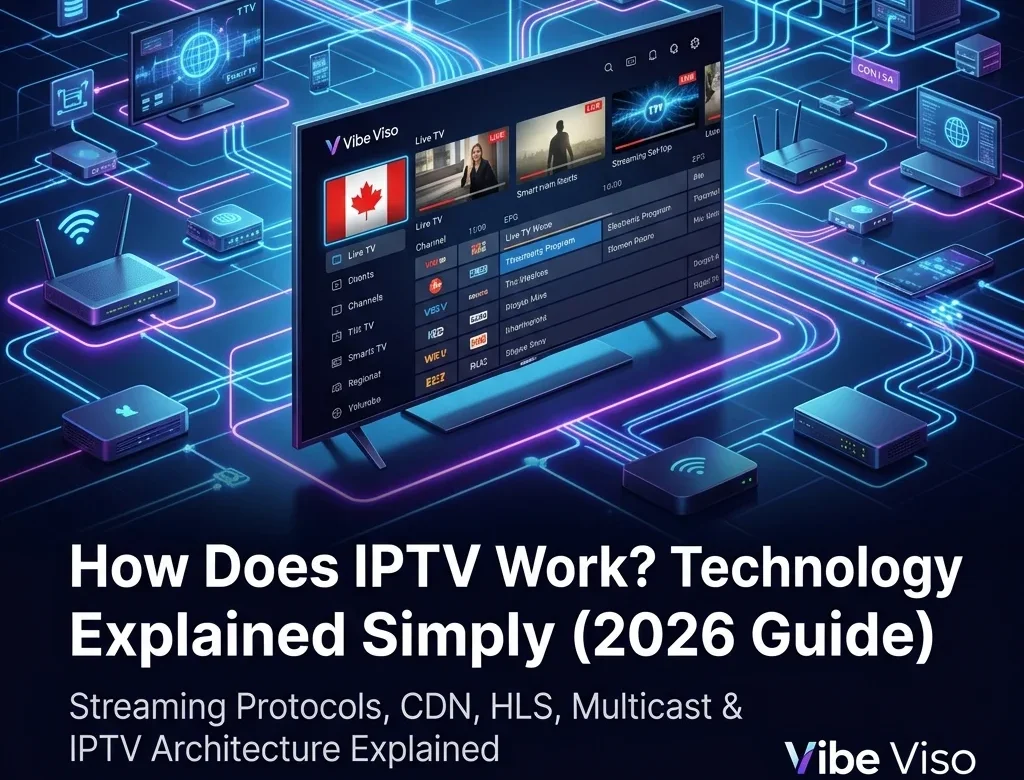
How Does IPTV Work? Technology Explained Simply IPTV (Internet Protocol Television) works by distributing television programming as digital data packets over standard Internet Protocol (IP) networks using a packet-switched, pull-based delivery model. Unlike traditional cable or satellite systems that continuously broadcast all channels simultaneously over radio frequency (RF) signals, an IPTV network only transmits the specific stream requested by the client device. The delivery pipeline operates in four major phases: Acquisition & Encoding: Raw feeds are ingested from satellites or fiber links and compressed using video codecs like H.264, H.265 (HEVC), or AV1. Packaging: Compressed video and audio streams are encapsulated into containers—MPEG-TS for live broadcasts or fragmented MP4 (fMP4) for on-demand media—alongside dynamic manifest index files (M3U8 for HLS or MPD for DASH). Distribution: Streams are cached on regional Content Delivery Network (CDN) edge nodes. Live TV is routed across private ISP networks via IP Multicast using IGMPv3 protocols to conserve bandwidth, while Video-on-Demand (VOD) uses IP Unicast connections. Playback: The client player parses the manifest, employs Adaptive Bitrate (ABR) heuristics to dynamically switch resolutions based on bandwidth fluctuations, and utilizes the device’s hardware SoC to decode and display the video. What Is IPTV and How Does It Work? Internet Protocol Television (IPTV) is the delivery of television content over IP-based networks rather than traditional terrestrial, satellite, or cable formats. Traditional cable TV broadcasts the entire frequency spectrum down physical lines, forcing the receiver to filter a single channel. In contrast, IPTV is a pull-based media system where the network routes only the specific stream requested by the client device. This selective delivery model optimizes network bandwidth and supports interactive services like timeshifted television and network-based recording. Modern architectures utilize a hybrid model: live feeds are broadcast via IP Multicast to conserve backbone bandwidth, while Video-on-Demand (VoD) and catch-up services are delivered via IP Unicast to individual subscribers. For more context on adoption trends, see what is IPTV. IPTV vs. OTT vs. Cable/Satellite Comparison To understand why IPTV is structurally different from standard streaming services and traditional television, review the primary architectural differences: Feature IPTV (Managed Network) OTT (Public Internet) Cable/Satellite (RF Coaxial/Dish) Delivery Medium Private, operator-managed IP network (VLAN-isolated) Public internet (best-effort delivery) Dedicated radio frequency (RF) spectrum End-to-End Latency Very low (1–3 seconds via UDP multicast) Moderate-to-high (6–18 seconds via HTTP unicast) Lowest (sub-second broadcast delay) Quality of Service (QoS) Yes (enforced by network priority queues) No (vulnerable to network congestion) Physical isolation prevents interference Bandwidth Impact Zero impact on general internet traffic (multicast) Competes with other local network downloads Direct transmission; burns zero LAN bandwidth Primary Use Cases Live telco television services (Bell Fibe, Telus Optik) Web-based video apps (Netflix, YouTube, RiverTV) Standard residential cable bundles and dish receivers The end-to-end IPTV pipeline follows this path: Each stage of the pipeline plays a specific role in maintaining stream flow: Content Source: Ingestion point for raw signals from direct fiber links, satellite downlinks, terrestrial broadcasts, or cameras. Encoder: Compresses raw baseband video into digital formats using H.264 (AVC) or H.265 (HEVC) codecs. Transcoder: Converts the encoded stream into multiple resolution and bitrate profiles, creating an Adaptive Bitrate (ABR) ladder to handle variable connection speeds. Packager: Encapsulates transcoded streams into delivery containers (like HLS .m3u8 or DASH .mpd segments, or MPEG-TS for multicast). Origin Server: The central repository hosting packaged media chunks and manifests, serving as the source for CDN pulls. CDN Edge: Distributed caching servers colocated at regional ISP Points of Presence (POPs) that intercept viewer requests locally to reduce latency. To learn which services utilize Canadian POPs, see best IPTV services across Canada. ISP Network: Transit infrastructure routing IP packets over fiber backbones, using DSCP tags for video packet prioritization. Home Router: Customer-premises gateway routing packets to decoders and using IGMP snooping to prevent local network flooding. IPTV Player: Client software parsing manifests, fetching chunks, managing a jitter buffer, and handling DRM. For client setup guides, consult the IPTV setup guide or see how to install IPTV on Firestick in Canada. TV Display: Physical screen rendering decoded progressive frames via HDMI and playing synchronized audio. For cost comparisons, see IPTV pricing in Canada. How live TV reaches your screen: A step-by-step walkthrough To trace this pipeline, consider a live TSN sports broadcast of a soccer match. At the stadium, a 4K camera captures video at 60fps, sending uncompressed 12 Gbps baseband video via 12G-SDI to an Outside Broadcast (OB) van. The production team mixes the feed and encodes it into a 50 Mbps HEVC contribution stream, transiting it via Secure Reliable Transport (SRT) over fiber to the broadcast center. At the center, transcoders convert the feed into an ABR ladder (e.g., 1080p at 8 Mbps down to 480p at 1.5 Mbps). The packager segments the video into 2-second fragmented MP4 (fMP4) chunks, encrypts them via AES-128, and updates the HLS .m3u8 manifest. The origin server hosts these files, which are cached by local CDN edge nodes. When a viewer selects the channel, the IPTV player retrieves the .m3u8 manifest from the local CDN. Selecting the 1080p stream, the player pulls sequential segments over the ISP’s GPON fiber network. GPON technology delivers up to 2.4 Gbps downstream using Wavelength Division Multiplexing (WDM) to multiplex multiple customer ONT connections. The packets flow to the home router, and then over Ethernet to the Set-Top Box. The player deposits chunks into a 3-second jitter buffer, negotiates DRM licenses, decodes the HEVC stream using the SoC’s hardware decoder, and displays the video on the TV screen via HDMI. How IPTV Content Is Acquired: Ingest and Contribution IPTV content acquisition, also known as ingest or contribution, is the process of collecting source television feeds from satellites, terrestrial antennas, local hardware interfaces, and live IP links, and routing them into the IPTV headend for processing. The reliability and fidelity of the IPTV service are bounded by this acquisition layer. Satellite feeds (DVB-S/S2) Satellite downlinks remain a primary source for linear ingest. Raw C-band (3.7–4.2 GHz) or Ku-band (11.7–12.7 GHz) signals are received by geostationary satellite dishes. At the dish’s focal point, a Low-Noise Block downconverter (LNB) amplifies the weak